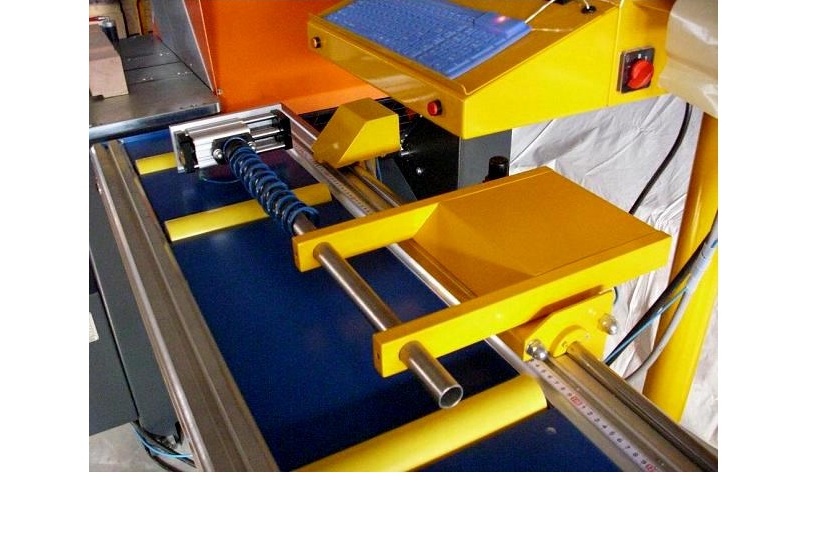
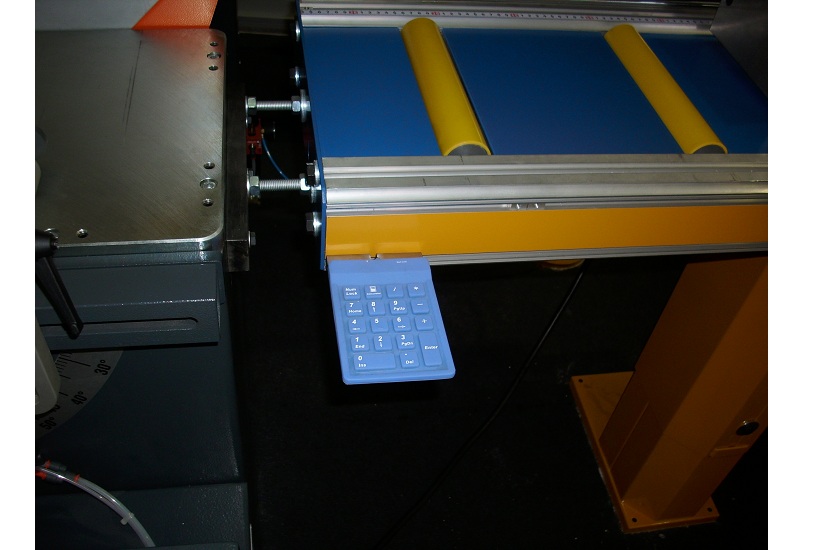
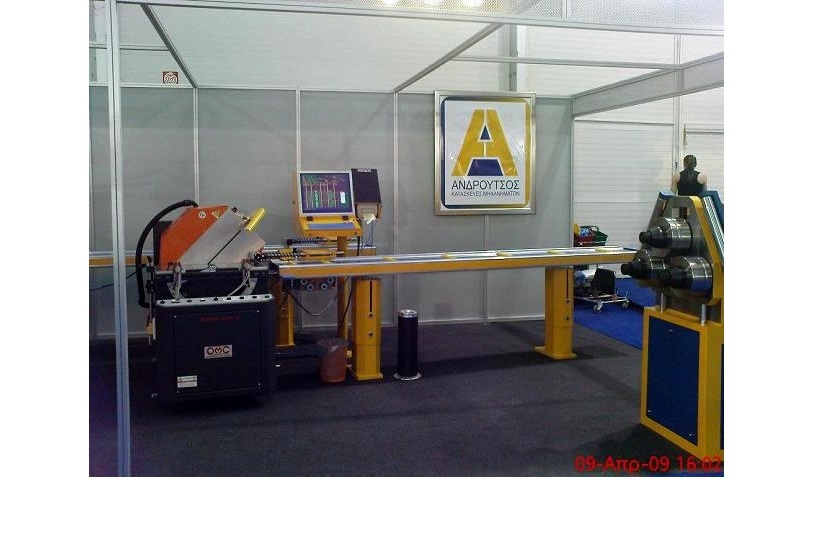
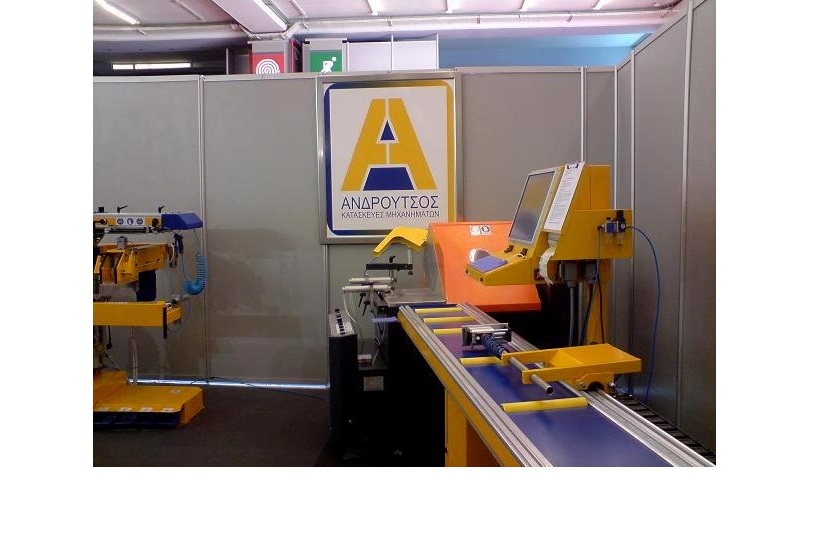
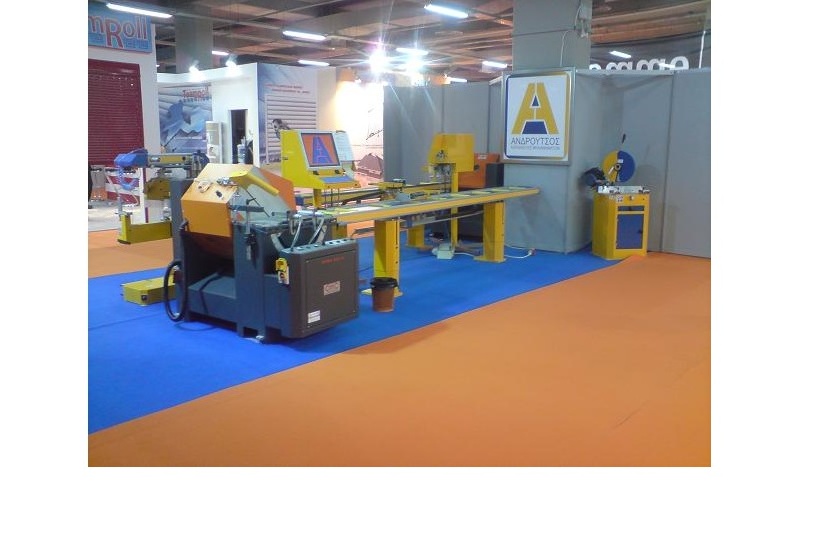
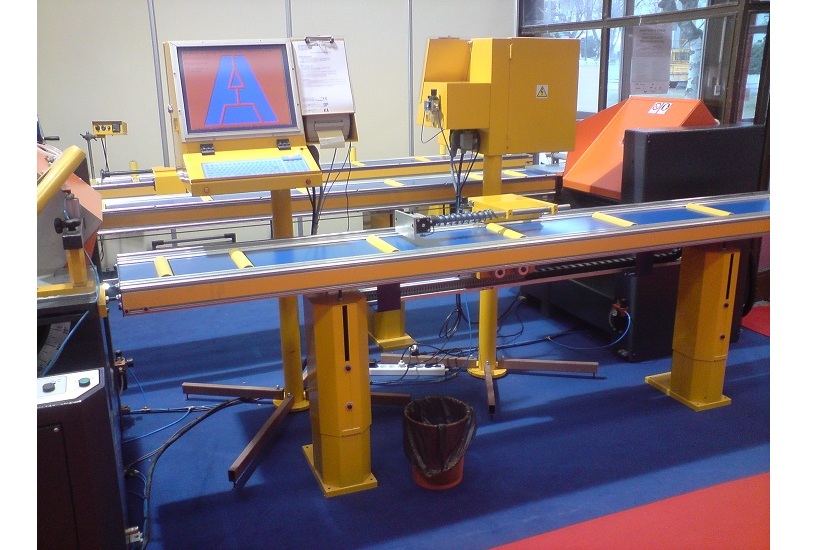
The CNC length stop P3 is a cheap & modern solution for every aluminium fabricating workshop.
It can be mounted on the right side of a single head aluminium saw to create quick & high quality cuts.
If connected with the saw it can control it's head positioning.
Technical data:
- Rigid stopper with break.
- Accuracy ±0.1mm.
- Speed 1m/sec.
- Two standard sizes: 3.35m (2.9m travel) & 4.35m (3.9m travel). Other sizes upon request.
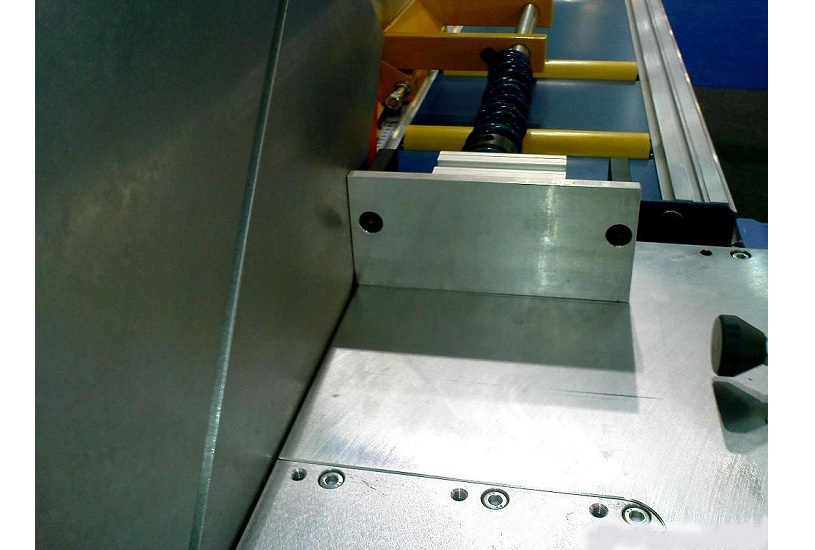
- Stopper slides inside the saw in order to cut small pieces.
- Ridgid enclosure protects electronic devices from aluminium chips and impacts.
- Quick and easy cutting by just pushing a button.
- Can be operated as a feeder.
Software data:
- Free software updates.
- Monitoring of length, angles, colour, image, customer, construction's details etc of the profile to be cut.
- Prints sticker for each cut profile with its identifications (customer, construction, position etc)
- Instant change from manual operation to automatic & the opposite.
- Built in cut optimization and much, much more...
 Quick presentation (1':25") Quick presentation (1':25")
Detailed presentation (9':15")
The package include:
- Bed 4.35m long (4m travel).
- Connection kit for your sawdisk (sawdisk has to be suitable for connection).
- Installation
- Training
The package does not include:
- The sawdisk shown at the images.
How to install an update:
- On the machine's computer select "Assistant". At the bottom right of the screen you can see the current version.
- Updates must be loaded one after the other. For example if you have version 026 you install 027, after this 028 etc.
- Go to your PC. Insert the USB flash "P3" in a USB port, and connect to the internet.
- Right click on the version you want to install. In the pop - up menu select "save target as".
- A new window opens. At the field "Save in" select Ρ3/themelio or P3/thyrae etc, depending on the cutting software you are using.
- Click "Save".
- Pull out the P3 stick from your PC, insert it in the machine's computer & turn it on. If it is already on reboot it.
- You can see the update process which is done automatically.
- Select "Assistant". You should now see the new version number.
Available updates:
Version 037 (.zip file)
Version 038 (.zip file)
Version 039 (.zip file)
Version 040 (.zip file)
Version 041 (.zip file)
Version 042 (.zip file)
Version 043 (.zip file)
Version 044 (.zip file)
|